How to Organize a Productive Home Office That Sparks Creativity
May 09, 2026



Your workspace shapes how you feel and perform throughout the day. When you design an area that matches your personality, you naturally find it easier to concentrate and enjoy your routines. Surroundings that speak to your tastes—whether through color, decor, or furniture—bring comfort and motivation into your daily life. Rather than working among plain furnishings and uninspired walls, choosing details that matter to you encourages both focus and a feeling of belonging. This personal connection to your workspace turns ordinary moments into opportunities for creativity and helps you approach each task with greater enthusiasm and confidence.
Personalizing a study spot means blending practical elements with touches that inspire energy and calm. From selecting hues that soothe the eyes to stocking tools that align with your workflow, every detail counts. A well-tuned office area invites you to settle in quickly and maintain momentum throughout the day.
Color influences mood more than most people realize. Soft greens and muted blues often encourage concentration, while warm neutrals add a welcoming vibe. Aim for a palette that balances tranquility with liveliness, preventing the room from feeling too sterile or overly busy.
When selecting accents, consider small swatches of paint or fabric samples before committing. Textured wallpapers in subtle patterns or a moss-green accent wall can provide depth without stealing attention from your work. Choose finishes that reflect light gently, maintaining visual comfort.
A chair and desk should support your body and align with your working patterns. Invest in a supportive task chair to prevent back discomfort and encourage upright posture. Desks with adjustable height let you switch between sitting and standing, keeping blood flowing and energy up.
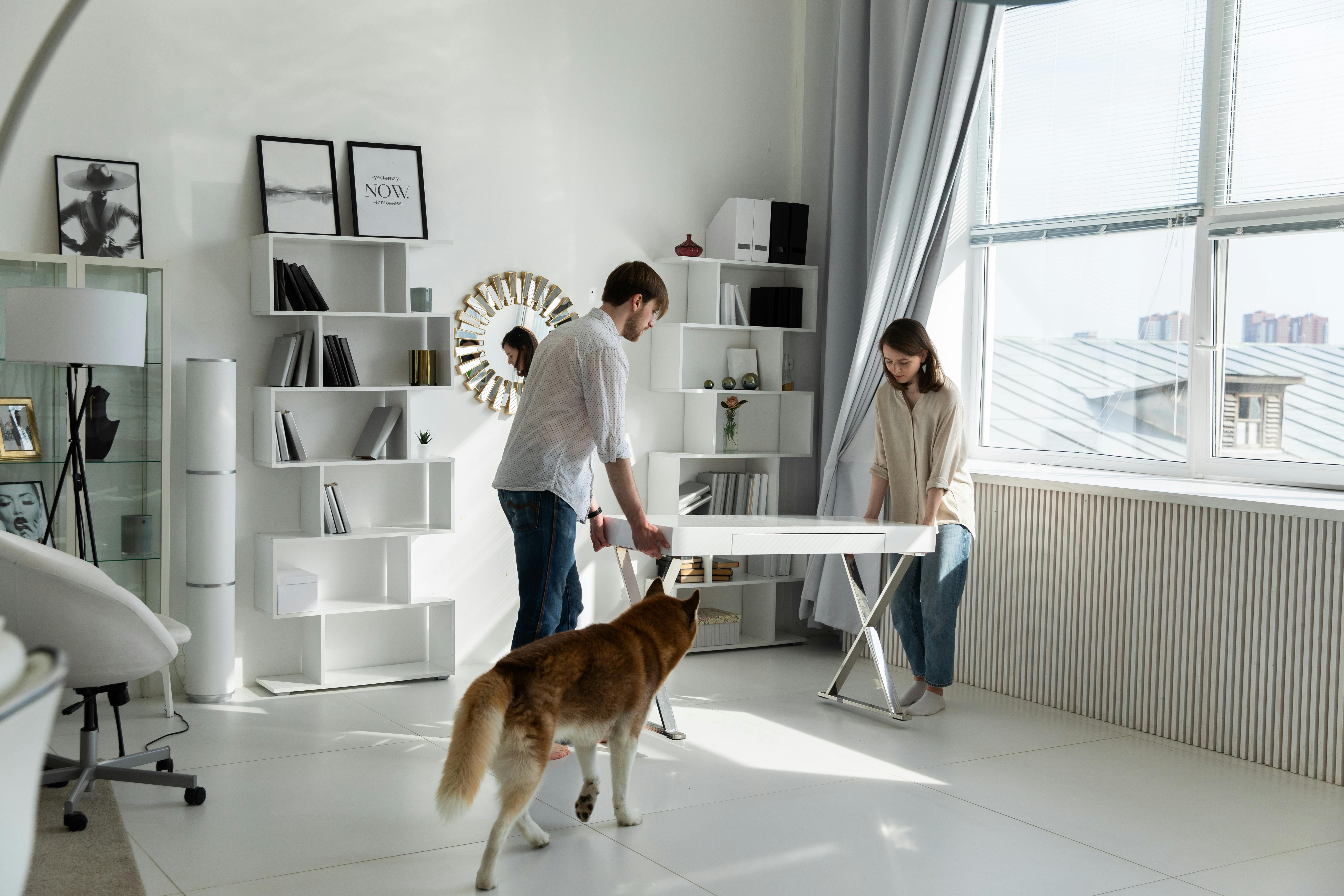
Arrange furniture to create clear pathways and work zones. Place your desk perpendicular to a window to reduce glare while offering a view that can serve as a mental reset. Ensure your keyboard and monitor sit at eye level to avoid neck strain and maintain a natural wrist position.
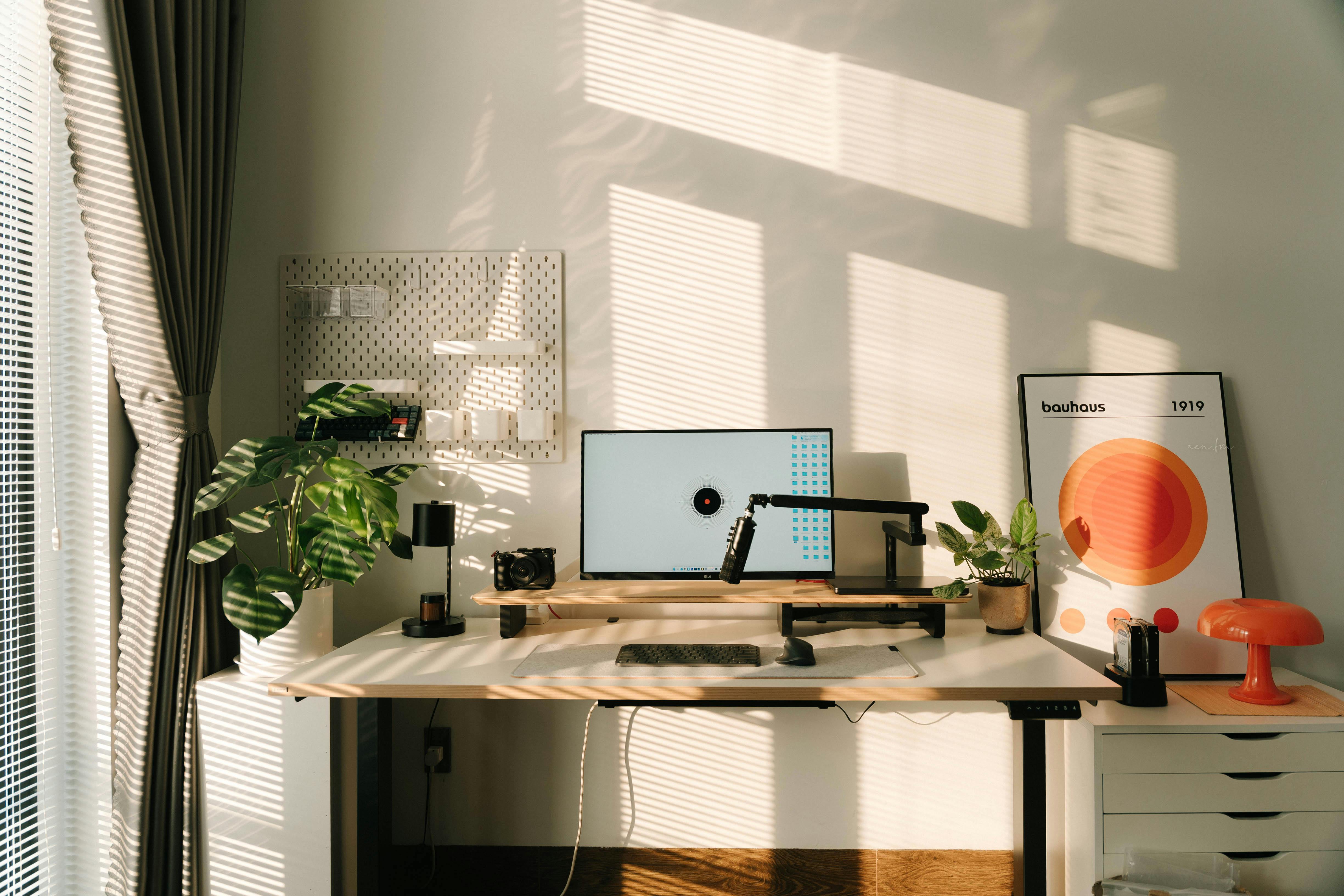
Natural light ranks highest for clarity and mood, so position your workspace near a window whenever possible. If direct sunlight causes glare, add a sheer curtain or adjustable blinds to soften the rays. Balance ambient light with task lighting to reduce eye fatigue during long hours.
Desk lamps with adjustable color temperature let you switch between warm and cool settings. Cool white bulbs boost alertness in the morning, while warmer tones create a relaxed atmosphere during evening sessions. Mounting an LED strip under a shelf can cast even light across your desktop.
Incorporate items that spark creativity without overcrowding the workspace. A small succulent or air plant brings life and helps purify the air. Framed prints of places you love or snapshots from recent travels can ignite positive memories and fuel inspiration.
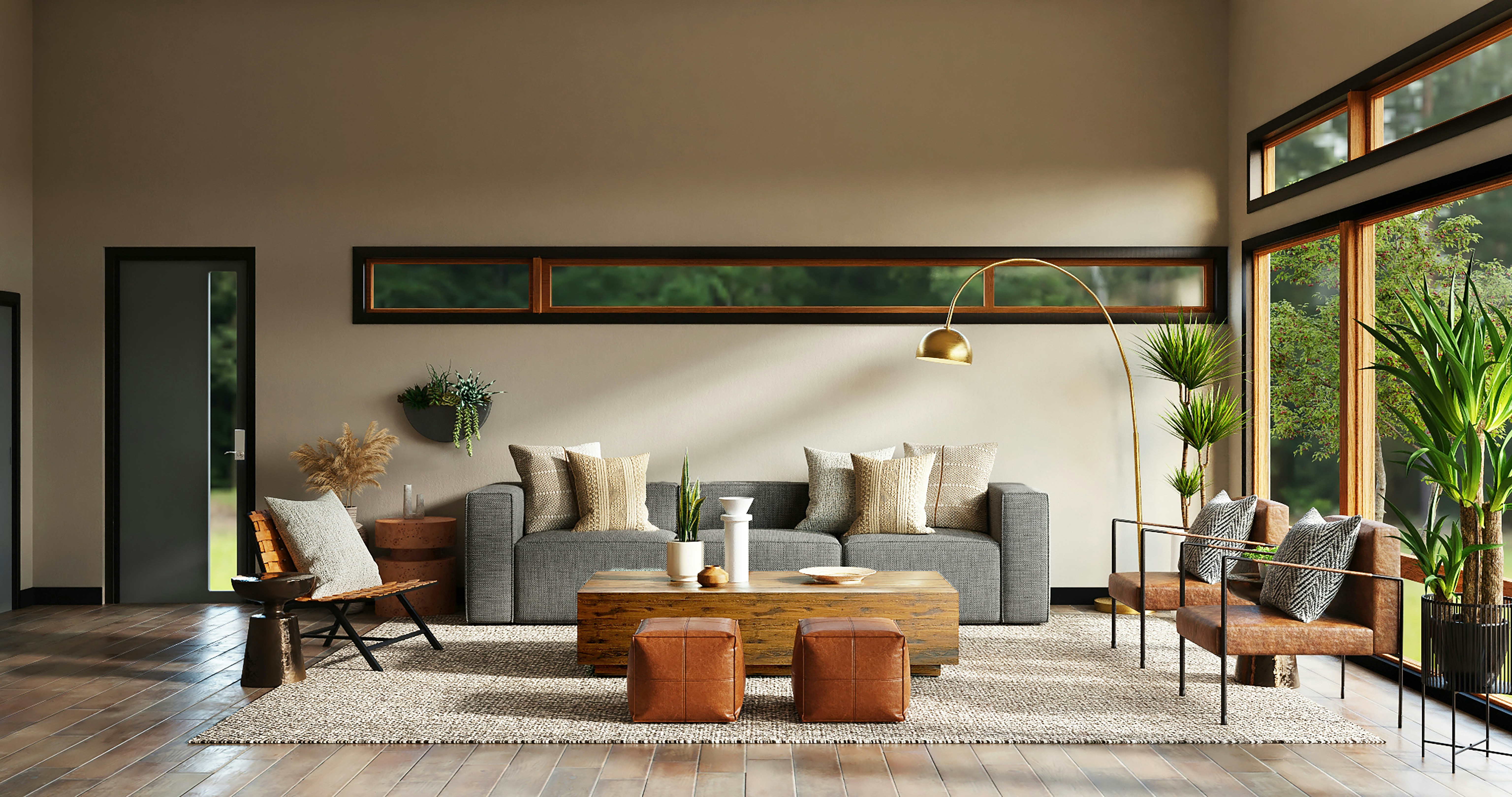
Textiles like a patterned rug or a comfortable throw on your chair can introduce texture and warmth. Display a few favorite books on a floating shelf, alongside a decorative hourglass or an antique clock. These objects add character and remind you of what motivates you beyond daily tasks.
Clutter disrupts focus, so implement storage solutions that keep essentials hidden yet accessible. Modular shelving units allow you to adjust compartments as your supply needs change. Drawer dividers keep stationery sorted, preventing the frustration of digging through mixed piles.
Labeling systems help you find what you need at a glance. Use color-coded trays or small bins for paper types, chargers, and writing tools. Open shelves can hold decorative boxes where you stash receipts or reference materials, keeping surfaces clear.
Choose a reliable wireless keyboard and mouse combo to reduce cable clutter. Brands like Logitech and Microsoft offer ergonomic models that ease wrist tension. A dual-monitor setup speeds up multitasking by giving you space for reference material and active projects side by side.
Use desktop organizers with built-in charging docks to power your phone and tablet simultaneously. Invest in a quality webcam and microphone if video calls form a big part of your routine. Noise-cancelling headphones help you filter out household sounds and maintain flow during deep work.
Combine functional elements with your personal preferences to create a home office that encourages focus and feels inviting. Tailor each decision—from color choices to tech gear—to match your habits and inspirations.
Experiment with small details until your workspace feels right. This creates a productive environment that reflects your personal style.

Planting and tending to a garden brings a sense of calm by encouraging you to pay close attention to the natural world. The earthy aroma of freshly turned soil, the...
Apr 11, 2026
Every day with a child who possesses remarkable talents brings a unique blend of excitement, wonder, and moments that test your patience. By observing how they approach...
Jun 02, 2026
Making the move from a non-technical background into a technology role often feels daunting at first, yet you can approach this journey with confidence by setting...
Apr 29, 2026
Creating a respectful and welcoming workplace starts by understanding what diversity and inclusion truly mean. Diversity describes the variety of backgrounds,...
Mar 31, 2026

Life often pulls us in many directions, making it challenging to find time for ourselves. Simple, purposeful rituals sprinkled throughout the day can add a sense of...
Mar 11, 2026

Leaving a structured corporate setting to launch your own business offers a unique mix of excitement and uncertainty. Years of professional experience, a strong network,...
Mar 24, 2026

Finding a new hobby brings a sense of adventure to everyday routines and adds a refreshing spark to your life. Exploring activities that capture your curiosity and push...
May 12, 2026

Finding real satisfaction at work goes beyond aiming for higher salaries or new job titles. People often discover greater fulfillment by taking time to reflect on their...
May 02, 2026

Getting involved in volunteer work close to home offers much more than the opportunity to assist others; it builds genuine friendships and strengthens your connection to...
Jun 28, 2026

Curiosity lays the foundation for trust, especially when you show genuine interest in what captures a teenager’s attention online. Taking a few moments to sit with them...
May 19, 2026
Years of career experience have equipped you with valuable skills and knowledge that can become the foundation for a successful freelance journey. Taking this step...
Jun 10, 2026

Seasoned professionals seeking to refine their leadership abilities benefit greatly from executive development programs that focus on practical skill-building, strong...
Jun 15, 2026

Seeing kids gather their belongings and prepare to leave home often brings both pride and a sense of emptiness. You have supported their journey every step of the way,...
May 23, 2026

Opening your home to a child through adoption or foster care brings a sense of excitement, anticipation, and plenty of questions. You may find yourself thinking about...
Apr 18, 2026